


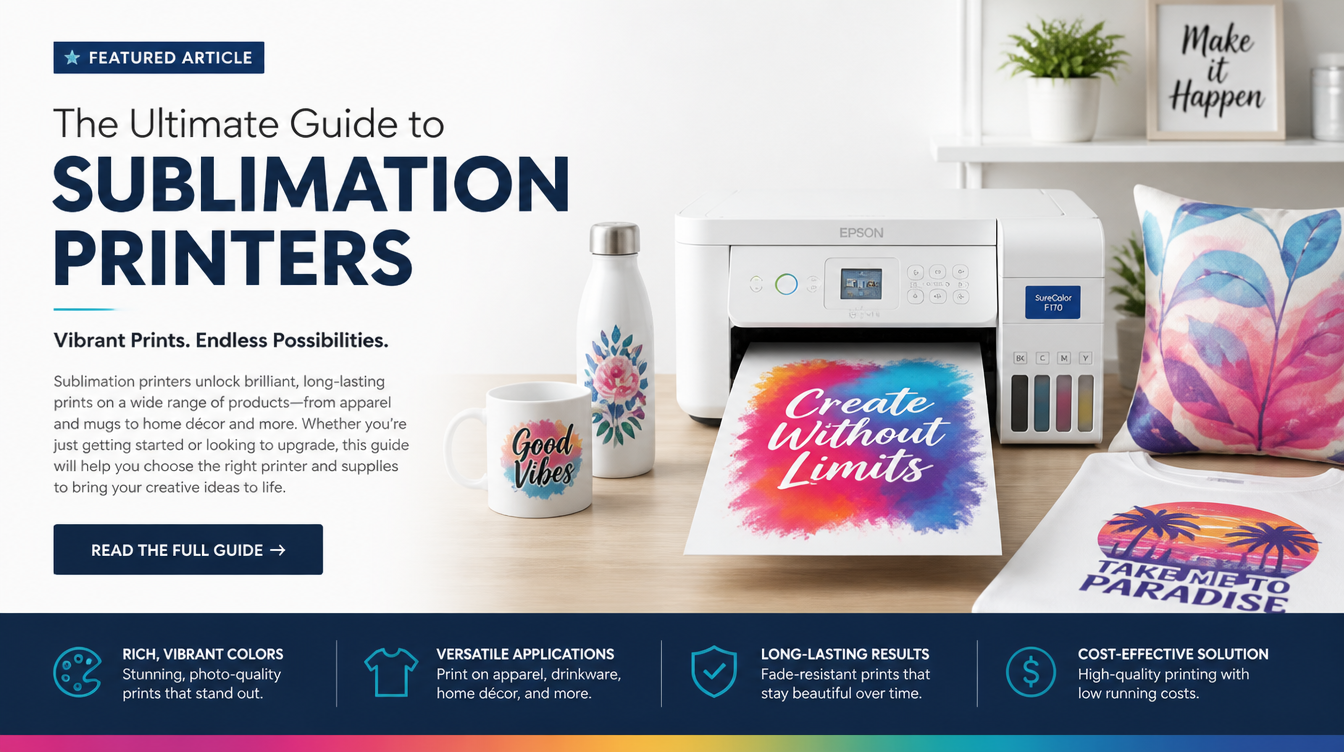
Best Sublimation Printer for Beginners (2026 Reviews)
If you have read our Getting Started with Sublimation Printing guide, you know that the absolute first thing you need to buy for your new crafting or Print-on-Demand (POD) business is a dedicated sublimation printer.
But stepping into the sublimation hardware market is confusing. You will immediately hit a fork in the road: Do you spend $600+ on a “purpose-built” sublimation printer, or do you spend $200 on a standard inkjet printer and “convert” it yourself?
In this guide, we are reviewing the best sublimation printers for beginners in 2026, breaking down the exact pros, cons, and hidden costs of both paths.

Category 1: The Converted Inkjet (The Beginner Favorite)
The vast majority of beginners start here. Because sublimation ink shares a similar viscosity to standard liquid inkjet ink, you can take a brand-new, empty inkjet printer and fill the tanks with third-party sublimation ink.
CRITICAL WARNING: You must do this with a brand-new printer. If the printer has ever had regular ink inside its tubes, it will mix with the sublimation ink and ruin your prints. You cannot clean it out.
Top Pick: Epson EcoTank ET-2800 (or ET-2850)
The Epson EcoTank line is the undisputed king of sublimation conversions. Why? Because it doesn’t use ink cartridges. It uses massive, open ink tanks that you fill with squeeze bottles. Converting it is as simple as squeezing sublimation ink into the tanks instead of the Epson ink that came in the box.
Pros
- Incredibly Cheap: The printer usually costs around $200.
- Easy Conversion: Just fill the tanks. No syringes or cartridges required.
- Cheap Ink: Third-party sublimation ink (like Printers Jack or Hippo) costs about $20 for a full set.
Cons
- Voids Warranty: The second you put non-Epson ink in it, your warranty is voided. Epson will not help you.
- Color Profiles: You must manually install ICC color profiles to get the colors to look right, which can be highly technical.
- Clogging: If you don’t print at least once a week, the sublimation ink will dry and clog the printheads permanently.
Want to see exactly how to do this? Check out our Epson Sublimation Printer Starter Kit Review.
Category 2: Purpose-Built Sublimation Printers
If you have a higher budget and absolutely hate troubleshooting tech issues, you want a purpose-built machine. These printers are manufactured specifically to handle the unique chemical properties of sublimation ink.
Top Pick: Sawgrass SG500
The Sawgrass SG500 is the gold standard for desktop sublimation. It is engineered from the ground up for sublimation, meaning the tubes and printheads are designed to prevent the ink from drying out and clogging.
Pros
- Zero Setup Hassle: Plug it in, insert the cartridges, and it works perfectly out of the box.
- Sawgrass Print Manager: Comes with proprietary software that perfectly manages color profiles. Your reds will actually look red.
- Self-Cleaning: The printer runs automatic maintenance cycles to prevent clogs, even if you don’t use it for weeks.
- Full Warranty: You get dedicated tech support.
Cons
- Expensive Hardware: Retails for around $600 to $650.
- Expensive Ink: You must buy proprietary Sawgrass ink cartridges, which cost around $70+ per cartridge.
Category 3: Wide-Format Sublimation Printers
Standard desktop printers (like the ET-2800 and SG500) only print up to 8.5″ x 14″. If you want to sublimate large t-shirts (XL/XXL) or all-over prints, you need a wide-format printer that can print 13″ x 19″ (Super B size).
Top Pick: Epson EcoTank ET-15000
This is the wide-format big brother to the ET-2800. It operates on the exact same tank-conversion principle, but allows you to print massive 13×19 inch transfers.
The Catch: The ET-15000 is notoriously difficult to find in stock. When it is available, it retails for around $700. If you are serious about apparel, this is the printer you want, but you will have to hunt for it.
The Final Verdict: Which Should You Buy?
If you are a hobbyist or a beginner on a strict budget testing the waters of sublimation printing for tumblers vs shirts, buy the Epson EcoTank ET-2800. It is the cheapest entry point into the market, and if you ruin it, you are only out $200.
If you are launching an actual LLC business, have capital to invest, and cannot afford downtime or ruined blanks due to bad color profiles, buy the Sawgrass SG500. The money you save in wasted blanks and saved time will pay for the machine.
