


Epson Sublimation Printer Starter Kit: Is It Worth It?
If you read our breakdown of the best sublimation printers for beginners, you know that the Epson EcoTank ET-2800 is the undisputed king of the budget crafting world.
But Epson does not sell this printer as a sublimation machine. They sell it as a standard home office inkjet printer. To use it for making sublimation tumblers or shirts, you have to “convert” it yourself.
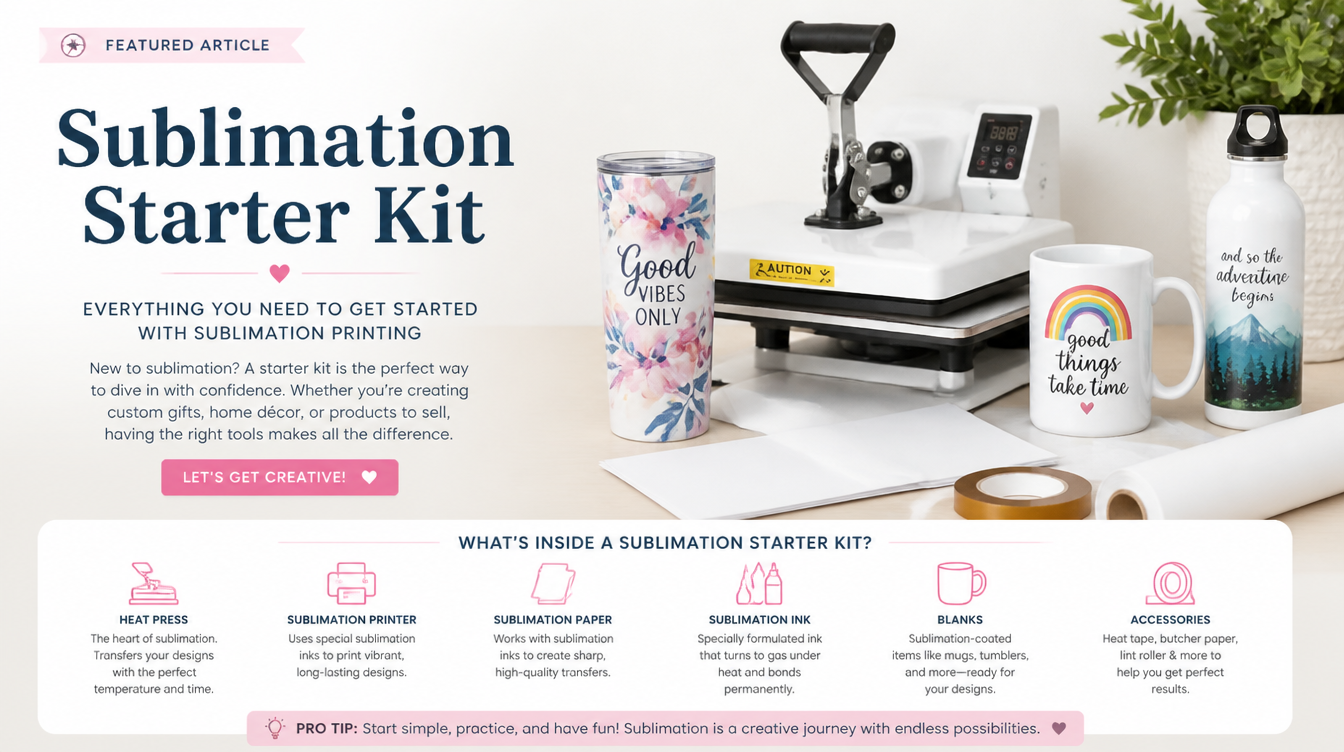
This has spawned a massive industry of third-party sellers on Amazon offering the Epson sublimation printer starter kit. These kits usually include four bottles of sublimation ink (CMYK), a pack of sublimation paper, and sometimes a set of syringes.
But are these third-party kits safe to use? Will they ruin your printer? Here is our comprehensive review.

What is in a Sublimation Starter Kit?
When you buy a starter kit from brands like Printers Jack, Hippo, or Cosmos Ink, you are generally getting:
- Sublimation Ink (CMYK): Four bottles (Cyan, Magenta, Yellow, Black) of uniquely formulated ink that turns to gas when heated.
- Auto-Fill Tops or Syringes: Older kits required you to use a blunt syringe to suck the ink out of the bottle and inject it into the EcoTank. Modern kits now feature “auto-fill” nozzle tops that exactly mimic the proprietary Epson nozzles, meaning you just turn the bottle upside down and it fills automatically.
- Sublimation Paper: Specialized paper designed to release (not absorb) the ink onto your blank.
- Heat Resistant Tape: Crucial for holding the paper tightly against your blank to prevent ghosting.
The Elephant in the Room: The Warranty
Let’s address the most important factor immediately. The second you put non-Epson ink into an Epson EcoTank, you void the warranty.
Epson explicitly states that their EcoTank printers are designed only for Epson genuine ink. Sublimation ink is thicker and formulated differently. If your printer clogs or breaks six months down the line, Epson support will ask you what ink you are using. When you say “sublimation,” they will void your ticket.
You must accept that by using a starter kit, you are turning a $200 printer into a disposable asset. If it breaks permanently, you will have to buy a new one.
CRITICAL WARNING: You can only convert a BRAND NEW printer. If you have already put the included Epson regular ink into your EcoTank, it is too late. The lines are contaminated. You cannot flush it out to use sublimation ink.
The Color Profile Challenge (ICC Profiles)
When you use a purpose-built printer like the Sawgrass SG500, the software knows exactly how the ink behaves. When you use an Epson printer with third-party ink, the printer thinks it is printing standard documents, but it is actually printing sublimation dye.
This results in colors looking wrong. Reds might look orange, and blacks might look brown.
To fix this, you must install an ICC Color Profile on your computer (Mac or Windows). The best starter kit brands (like Printers Jack and Cosmos Ink) will provide a free ICC profile download link on their website. You install this file on your computer, and it tells your graphic design software (like Photoshop) how to correct the colors specifically for that exact brand of ink.
Note: If you print directly from Canva, you cannot use ICC profiles natively, which is why many crafters have to export their Canva designs and print them through a program like Silhouette Studio.
Is the Kit Worth It? (The Verdict)
Yes, absolutely. An Epson sublimation printer starter kit is the most cost-effective way to get started with sublimation printing.
A Sawgrass SG500 will cost you $600+, and a single set of replacement Sawgrass ink cartridges will cost you another $70+.
Conversely, you can buy an Epson ET-2800 for $200, and a Printers Jack starter kit (with ink, paper, and tape) for $30 on Amazon. The third-party ink bottles actually hold more ink than the Sawgrass cartridges, meaning your cost-per-print is mere pennies.
If you are willing to learn how to install an ICC profile, and you accept that your warranty is voided, the EcoTank conversion method using a starter kit is the smartest financial decision a beginner can make.
