


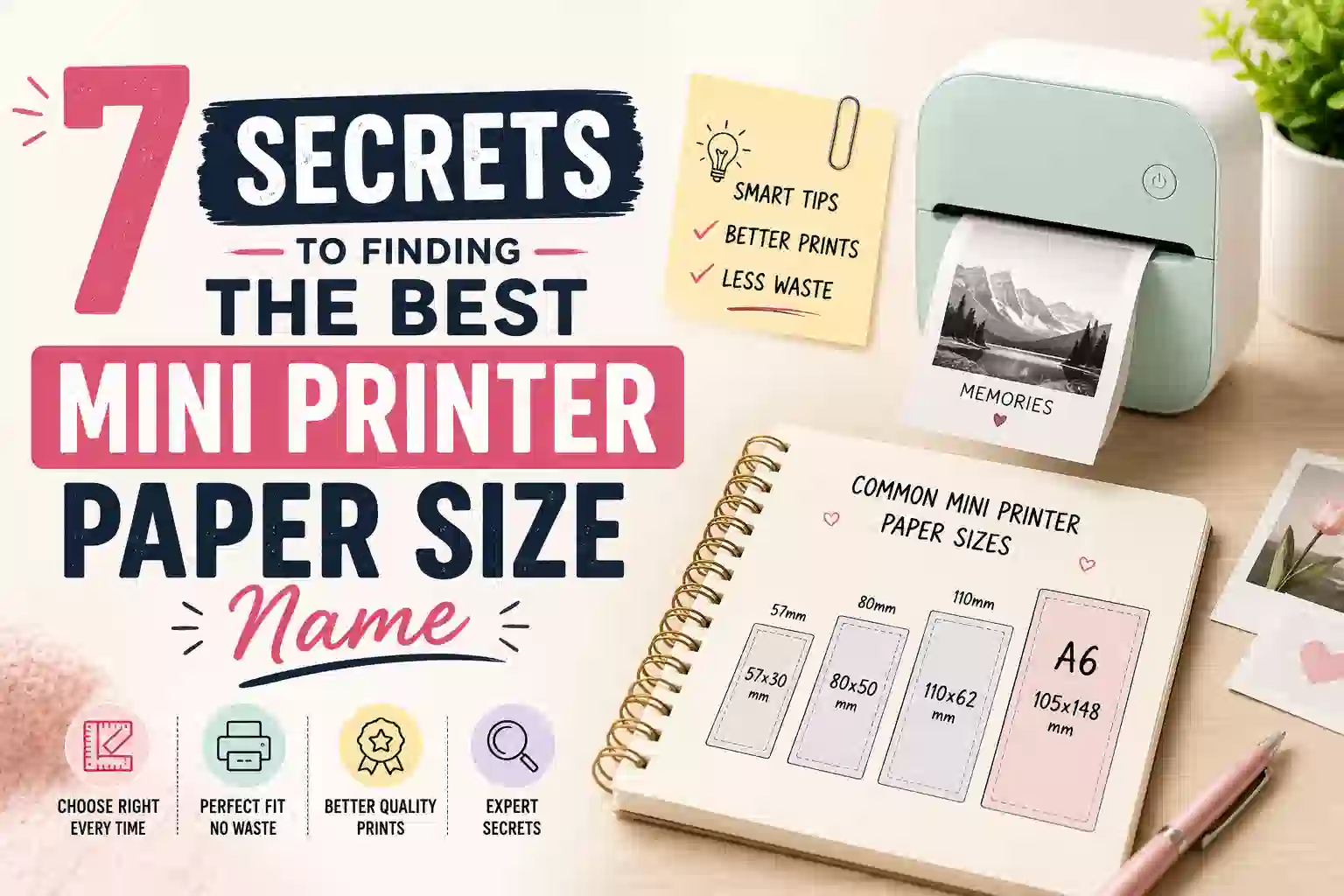
7 Secrets to Finding the Best Mini Printer Paper Size Name
If you recently bought a pocket thermal printer (like a Phomemo or PeriPage) and finally ran out of the starter roll, you are probably trying to figure out exactly what to search for online to buy more.
If you are looking for the official mini printer paper size name, you might be surprised by the answer: there isn’t one.
Unlike standard printer paper which has universally recognized names like “A4” or “US Letter,” finding your mini printer paper size name requires looking strictly at physical dimensions. Understanding these dimensions is the absolute best key to never buying the wrong size again.
Key Takeaways (TL;DR)
- There is no specific mini printer paper size name; you must search for it by its dimensions.
- The standard size for almost all mini pocket printers is 57mm × 30mm.
- 57mm is the width of the paper, and 30mm is the maximum roll diameter (how thick the roll is).
- In the US, this is sometimes labeled as 2 1/4 inch thermal paper.
Table of Contents
- Understanding the Dimensions: Width vs. Diameter
- What Happens if You Buy the Wrong Size?
- The Best Search Terms to Use When Buying Refills
- Types of Mini Printer Paper Available
- How Long Does Thermal Print Last? (Fading Prevention)
- Frequently Asked Questions (FAQ)
Understanding the Dimensions: Width vs. Diameter
When you look at the specifications for thermal paper online, you will almost always see two numbers multiplied together (e.g., 57mm x 30mm). It is absolutely critical to understand what both of these numbers mean so you don’t buy paper that gets jammed in your device.
The first number is the physical width of the paper strip. For pocket printers, 57mm (or 2 1/4 inches) is the undisputed industry standard. Whether you have a Phomemo T02, a PeriPage A6, or a generic Amazon brand, the print head is designed for this exact width. If you buy paper that is wider than 57mm, it physically will not fit into the printer slot.
2. The Roll Diameter (30mm)
The second number is the diameter of the entire roll when it is tightly wound up. This is the measurement people most frequently get wrong when they search for a mini printer paper size name. Pocket printers are designed to be extremely small and portable, meaning the internal paper compartment is very shallow.
If you buy a roll with a 40mm or 50mm diameter, the roll will be too thick, and the printer door will not close. You can read more about exact hardware tolerances on Phomemo’s official user manuals.
What Happens if You Buy the Wrong Size?
Many people assume they can just run to a local office supply store and buy standard POS (Point of Sale) receipt paper. While the width (57mm) will fit your mini printer perfectly, the standard diameter for commercial receipt paper is usually 50mm or larger.
Because the roll is too fat to close the lid, you would have to manually unroll and cut off half the paper just to make it fit inside your pocket printer. This wastes a significant amount of money and is highly frustrating. Always check the diameter!
The Best Search Terms to Use When Buying Refills
Because there is no official mini printer paper size name, you need to use specific keywords when searching on Amazon or office supply websites to ensure you get the exact fit.
Here are the exact search terms you should copy and paste to find the right refills for your pocket printer:
"57x30mm thermal paper roll""57mm x 30mm sticker paper"(if you want the adhesive kind)"2 1/4 x 30 thermal paper"
Tip: Always double-check the product description to ensure the roll is “Coreless” (meaning it doesn’t have a thick plastic tube in the middle). Most pocket printers rely on coreless rolls to maximize how much paper can fit in the small compartment.
Types of Mini Printer Paper Available
One of the best parts about pocket printers is that because they don’t use ink, the “magic” is entirely in the paper. There are several fun and practical types of 57x30mm paper you can buy regardless of the mini printer paper size name:
- Standard Non-Adhesive: This feels just like normal store receipt paper. It is the cheapest option and is great for printing quick to-do lists, shopping lists, or study notes.
- Sticky Adhesive (Sticker Paper): This has a peel-off backing. It is perfect for printing custom stickers, bullet journal decorations, and shipping labels.
- Transparent/Clear: A premium plastic-like film that prints highly durable, waterproof images.
- Colored Paper: You can buy rolls in pastel colors (pink, blue, yellow) or even patterned designs to make your prints pop, even though the print itself will always be black and white.
How Long Does Thermal Print Last? (Fading Prevention)
Because mini printers use heat instead of ink to create images, the paper is coated with a special heat-sensitive chemical. Over time, environmental factors can cause this chemical to react or fade. If you are printing art instead of lists, you might want to check out our full guide on setting the perfect paper size for Procreate for professional inkjet printing instead of thermal.
Standard thermal paper usually lasts for 1 to 2 years before the text begins to fade. However, you can significantly extend the lifespan of your prints by following these rules:
- Keep it away from heat: Do not leave your printed photos in a hot car or near a radiator. Heat will turn the entire paper black.
- Avoid direct sunlight: UV rays degrade the chemical coating very quickly.
- Avoid tape: Standard scotch tape contains chemicals that will erase thermal print over time. If you need to stick it to a wall, buy the adhesive sticker paper instead!
Frequently Asked Questions (FAQ)
Does Phomemo paper fit in other mini printers?
Yes. Because most pocket printers (like Phomemo, PeriPage, Memobird, and generic Amazon brands) all utilize the exact same 57mm x 30mm hardware standard, the paper rolls are universally interchangeable across brands.
What is the mini printer paper size name in inches?
There is no specific mini printer paper size name, but the standard 57mm width translates to 2.25 inches (or 2 1/4 inches) in imperial measurements.
Why is my pocket printer printing blank pages?
If your paper size is correct but the page is blank, you likely put the paper in upside down! Thermal paper only has the heat-sensitive chemical on one side. Open the printer and flip the roll over.
