


If you are launching a small business, choosing the best printer for stickers and crafts is the most important hardware decision you will make. Printing your own merchandise in-house dramatically increases your profit margins, but buying the wrong machine will leave you with jammed paper, smeared ink, and frustrated customers.
In this comprehensive guide, we rank and review the top commercial and home-office printers specifically designed to handle thick vinyl sticker paper without compromising on color vibrancy.
Key Takeaways (TL;DR)
– Overall Winner: The Epson EcoTank ET-8550 is the absolute best printer for stickers and crafts due to its 6-color ink system and massive cost-per-page savings.
– Budget Pick: The Canon PIXMA Pro-200 offers incredible photo-quality prints for beginners on a budget, though ink cartridges are more expensive over time.
– Paper Handling: Always look for a printer with a “Rear Feed” tray to prevent thick sticker vinyl from curling or jamming inside the machine.
Table of Contents
- What Makes a Printer Good for Stickers?
- Top 5 Best Printers for Stickers and Crafts
- Inkjet vs. Laser Printers for Crafts
- Frequently Asked Questions
What Makes a Printer Good for Stickers?
Before we review the specific models, you must understand what separates a standard office document printer from the best printer for stickers and crafts.
1. Rear Paper Feed (Crucial)
Thick glossy vinyl and heavy cardstock cannot bend 180 degrees through a standard bottom-loading tray without jamming. A dedicated rear paper feed allows the sticker paper to flow straight through the machine without curling.
2. High Resolution (DPI)
To produce premium, retail-ready stickers, your printer needs to output at least 4800 x 1200 DPI (Dots Per Inch). This ensures your text and logos are razor-sharp.
3. Sizing Compatibility
If you plan on mass-producing sheets of standard sticker sizes (like 2×2 inch rounds), you need a printer that supports borderless 8.5 x 11-inch printing to maximize the number of stickers you can fit on a single page.
Top 5 Best Printers for Stickers and Crafts
After testing color vibrancy, paper handling, and long-term ink costs, here are the top performers for 2026.
1. Epson EcoTank Photo ET-8550 (Best Overall)
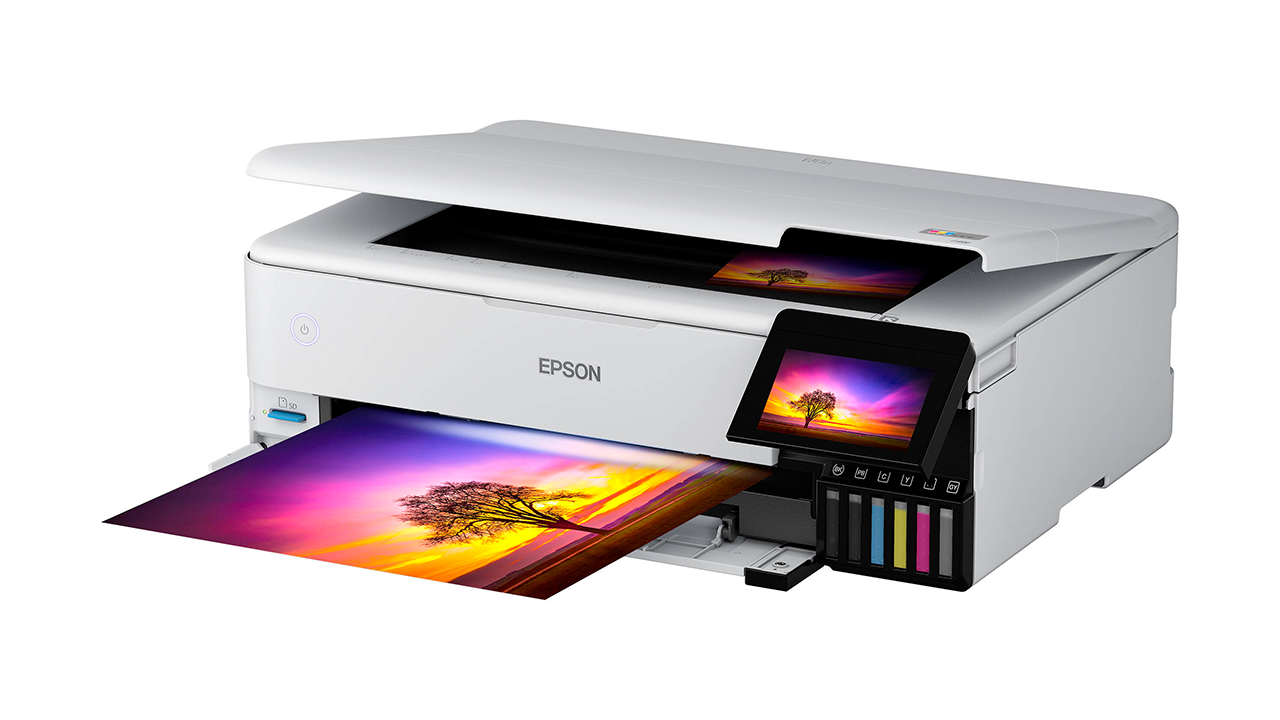
The Epson EcoTank series provides high quality with massive ink savings.
The Epson EcoTank ET-8550 is widely considered the best printer for stickers and crafts on the market today. Instead of expensive cartridges, it uses refillable ink tanks.
- Pros: Insanely cheap long-term ink costs; 6-color Claria ET Premium inks produce stunning gradients; handles wide-format 13″ x 19″ paper.
- Cons: High initial purchase price.
- Best For: Serious craft businesses printing hundreds of stickers a week.
2. Canon PIXMA PRO-200 (Best Print Quality)
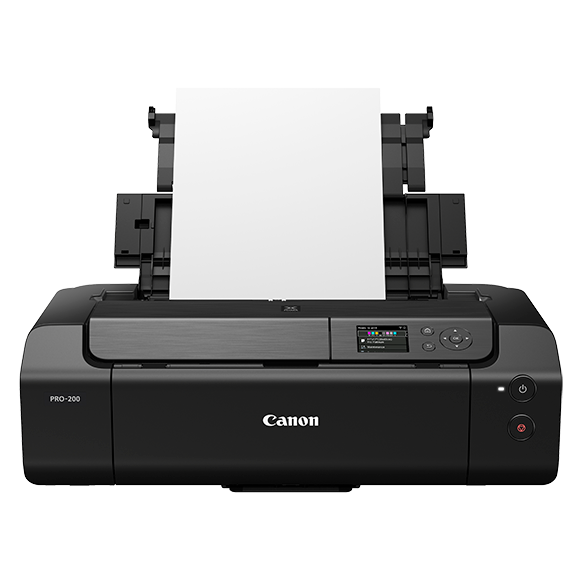
The Canon PIXMA PRO series is unmatched for fine art and photographic sticker prints.
If your stickers feature fine art, watercolor illustrations, or highly detailed photography, the Canon PIXMA PRO-200 is unmatched.
- Pros: 8-color dye-based ink system produces gallery-quality vibrancy; dedicated straight paper path eliminates jams.
- Cons: Dye-based inks are not naturally waterproof without a laminate overlay; cartridges must be replaced frequently.
- Best For: Artists selling premium, high-ticket custom shapes and crafts.
3. Epson SureColor P700 (Best for Waterproof Stickers)
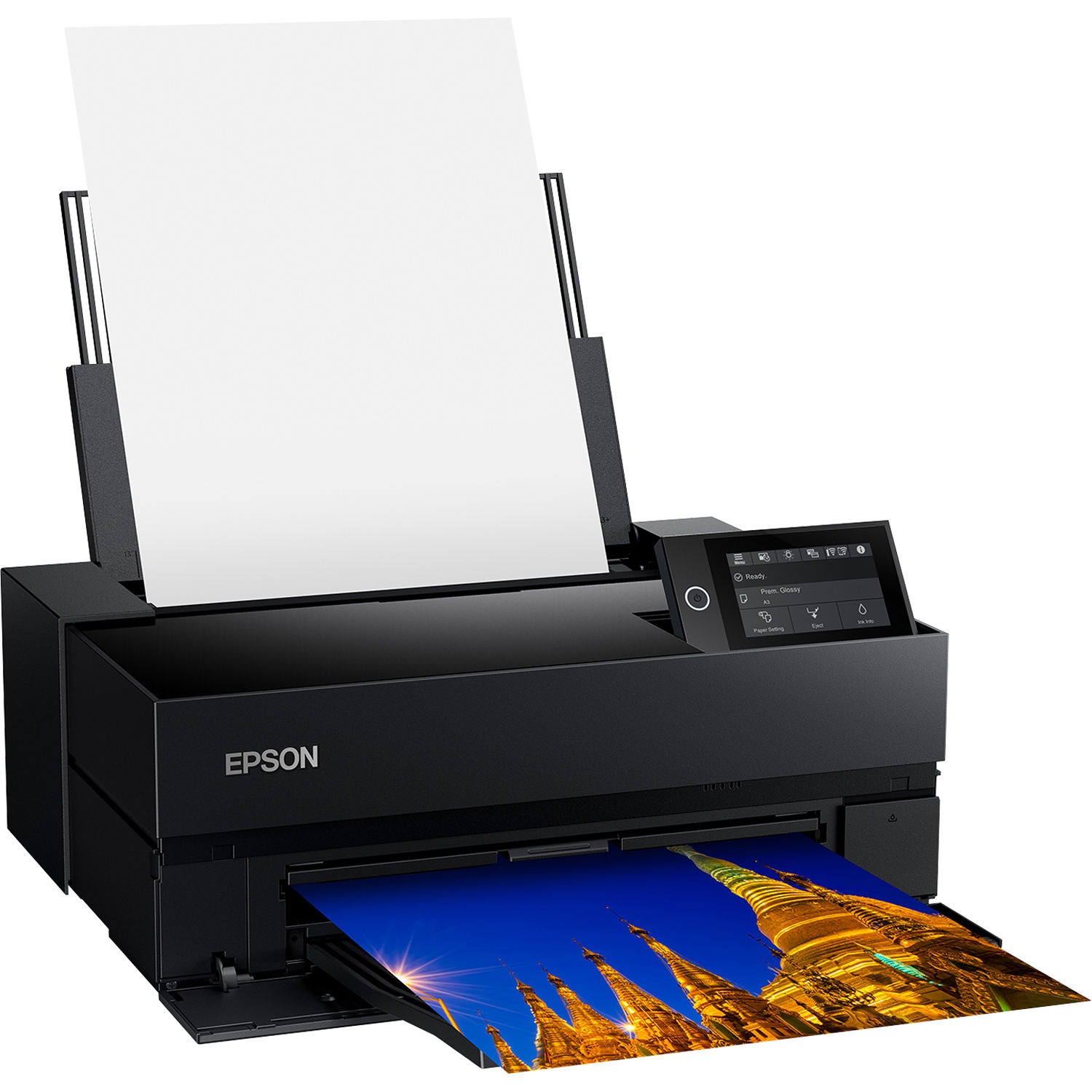
Epson pigment ink printers create durable, waterproof stickers.
For heavy-duty outdoor stickers (like bumper stickers or water bottles), you need pigment ink, not dye ink. The SureColor P700 uses UltraChrome PRO10 pigment ink, which is highly resistant to water and UV fading.
- Pros: Extremely durable, archival-quality pigment prints; sleek touch screen.
- Cons: Slower print speeds; very expensive replacement cartridges.
- Best For: Outdoor merchandise and premium bumper stickers.
Inkjet vs. Laser Printers for Crafts
When searching for the best printer for stickers and crafts, you will often see debates between Inkjet and Laser printers.
Inkjet printers spray microscopic droplets of liquid ink onto the paper. They are vastly superior for crafting because they can print on almost any coated vinyl or photo paper, and they blend colors seamlessly for high-quality images.
Laser printers use heat to fuse dry toner powder onto the page. While they are incredibly fast, they run extremely hot. If you put the wrong type of vinyl sticker paper into a laser printer, the heat can melt the adhesive, destroying your machine entirely. Always stick to Inkjet for crafts.
Frequently Asked Questions
What kind of printer is best for making stickers?
An inkjet printer with a rear-feed paper tray and at least a 6-color ink system is the best printer for making stickers. EcoTank or MegaTank models are highly recommended because they reduce ink costs significantly for high-volume craft sellers.
Can I use a regular printer for sticker paper?
Yes, you can use a regular inkjet printer for sticker paper, provided the printer has a rear-loading tray to handle the thicker material without jamming. Always ensure you purchase inkjet-specific sticker vinyl, as laser vinyl will not absorb liquid ink properly.
Conclusion
Upgrading your hardware is the fastest way to improve your product quality. If you want a machine that balances incredible print quality with low running costs, the Epson EcoTank ET-8550 stands out as the ultimate best printer for stickers and crafts.
Once your new printer arrives, remember to format your sheets efficiently, establish your standard sizes, and start scaling your craft business today!
